for navidrome · open source
a real music app
for the music you own.
mixes made from what you play, synced lyrics and one session across all your devices. your files, your server, no tracking.
- one container
- web, desktop and phone
- mit licensed
- no tracking
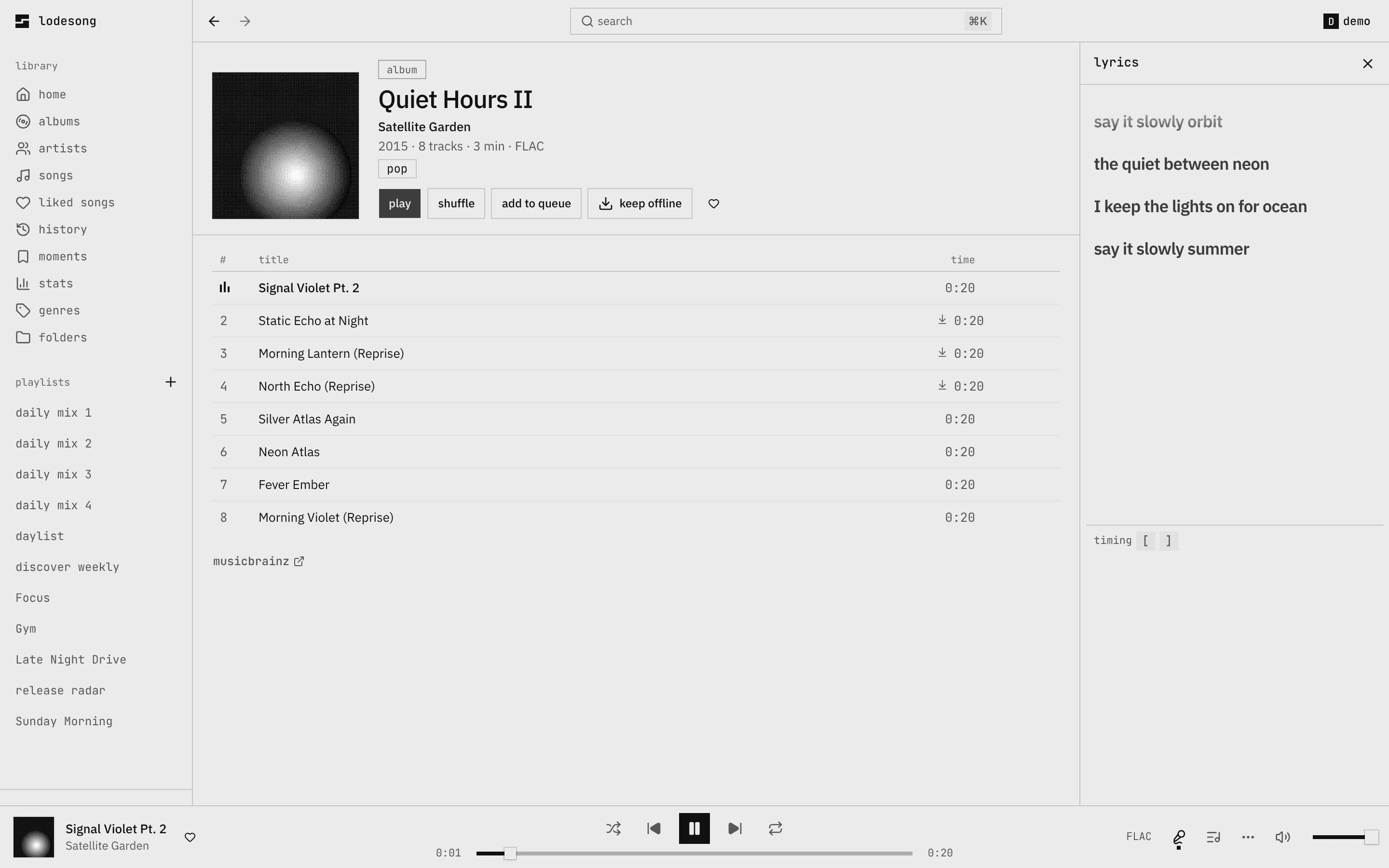
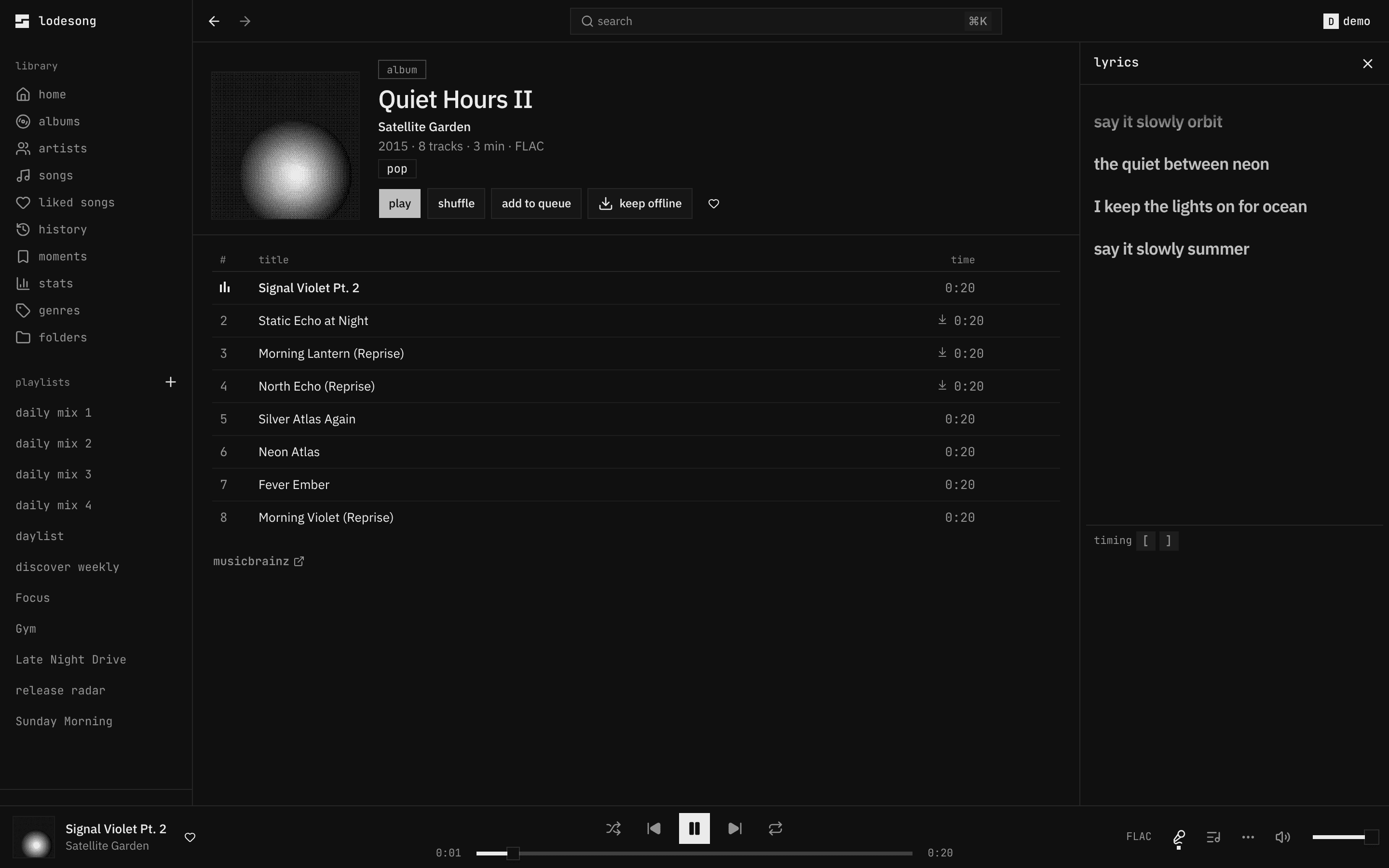
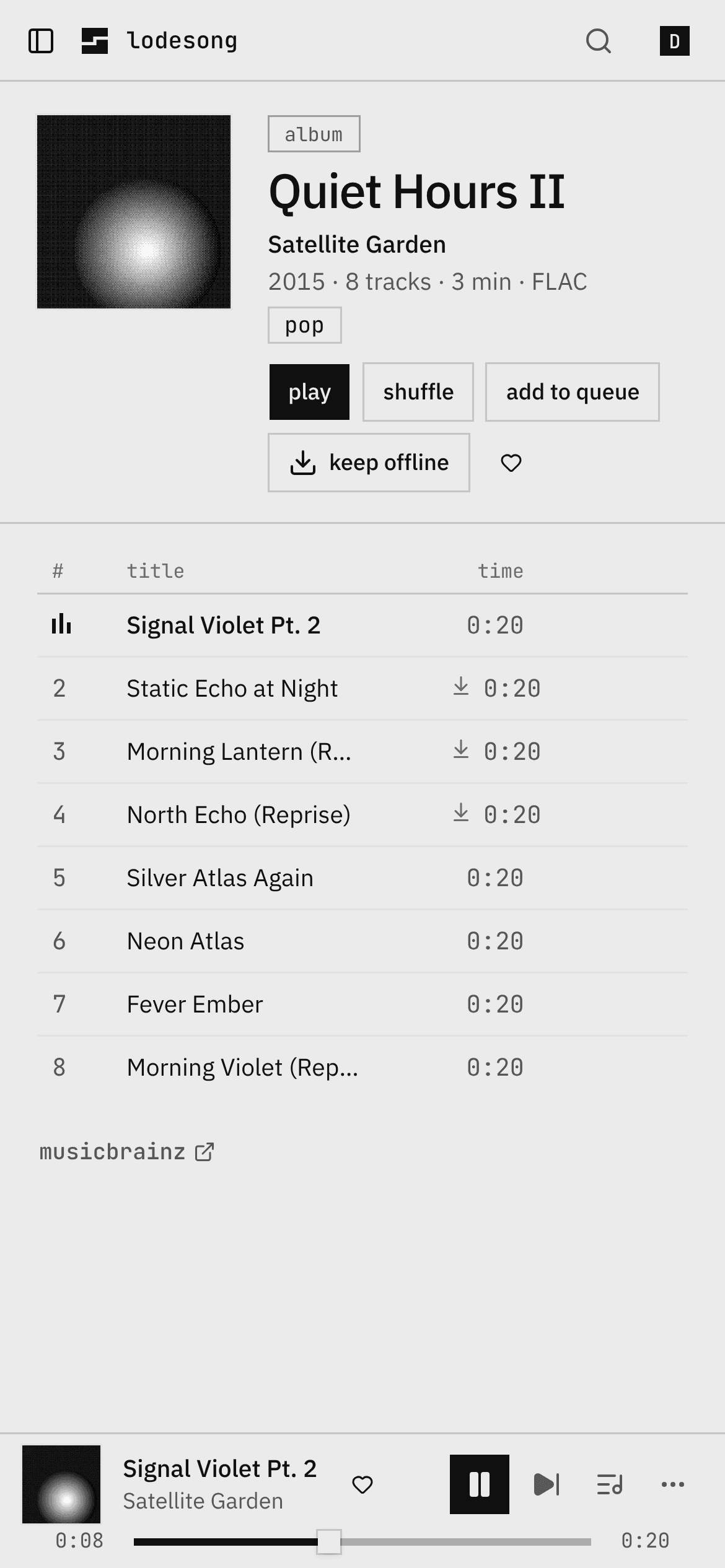
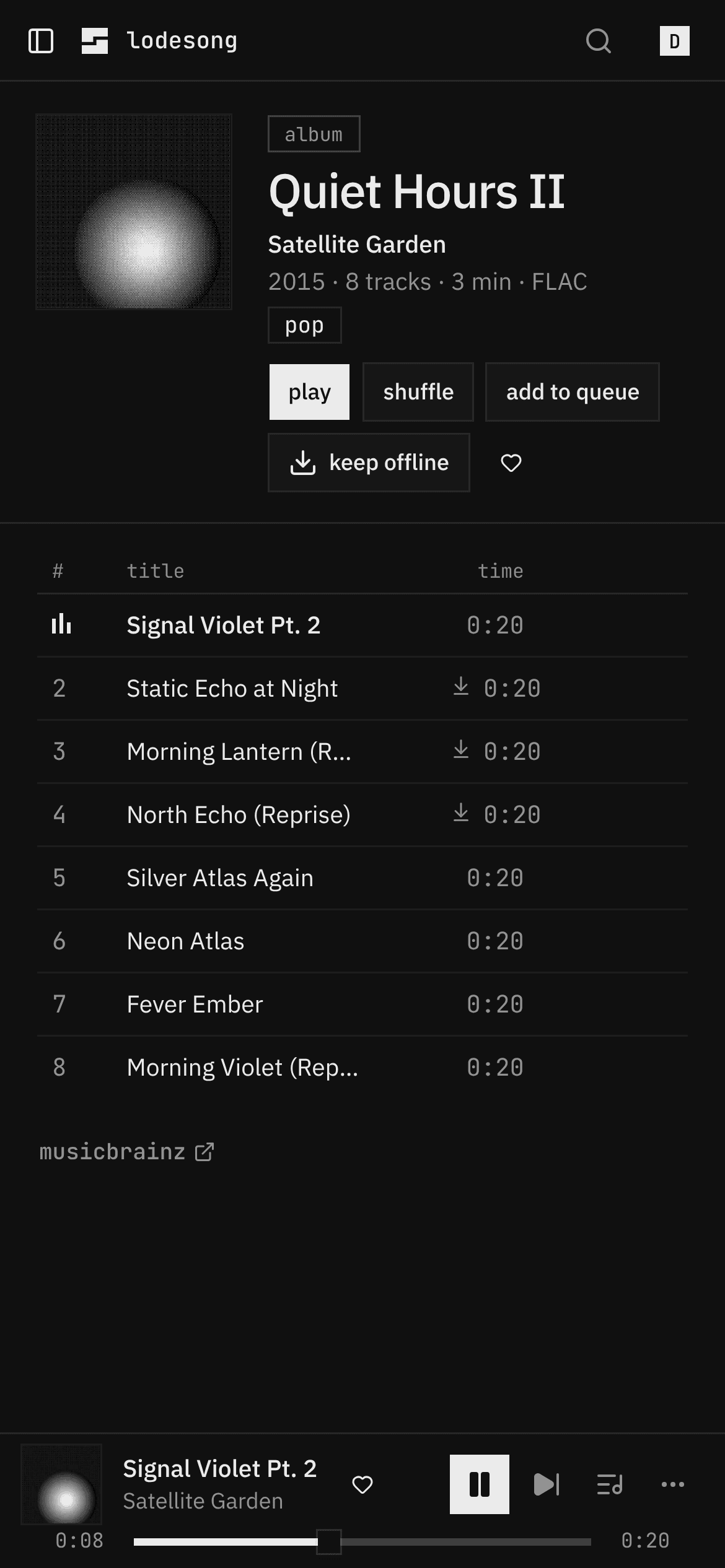
everything a streaming app does, for your own library
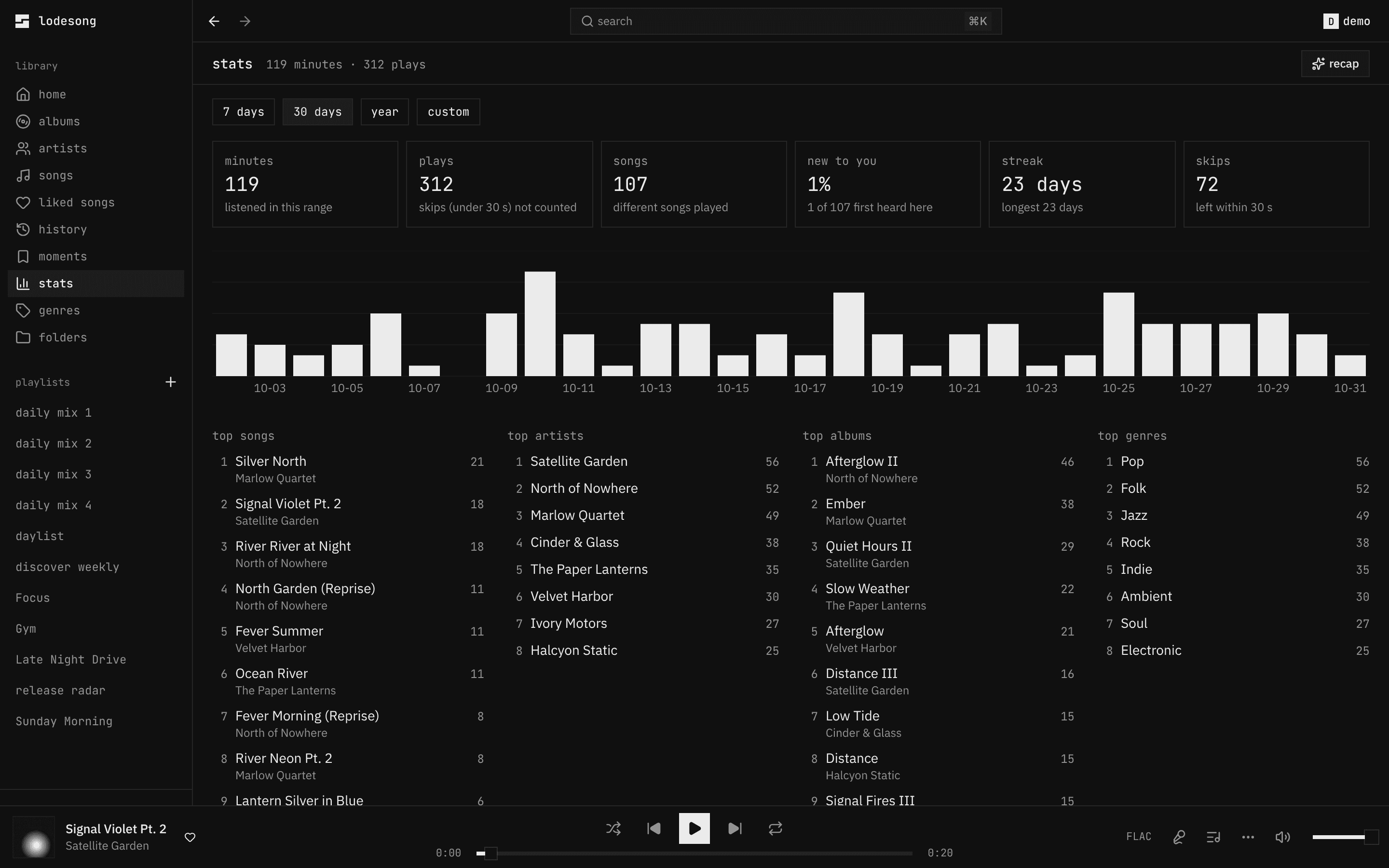
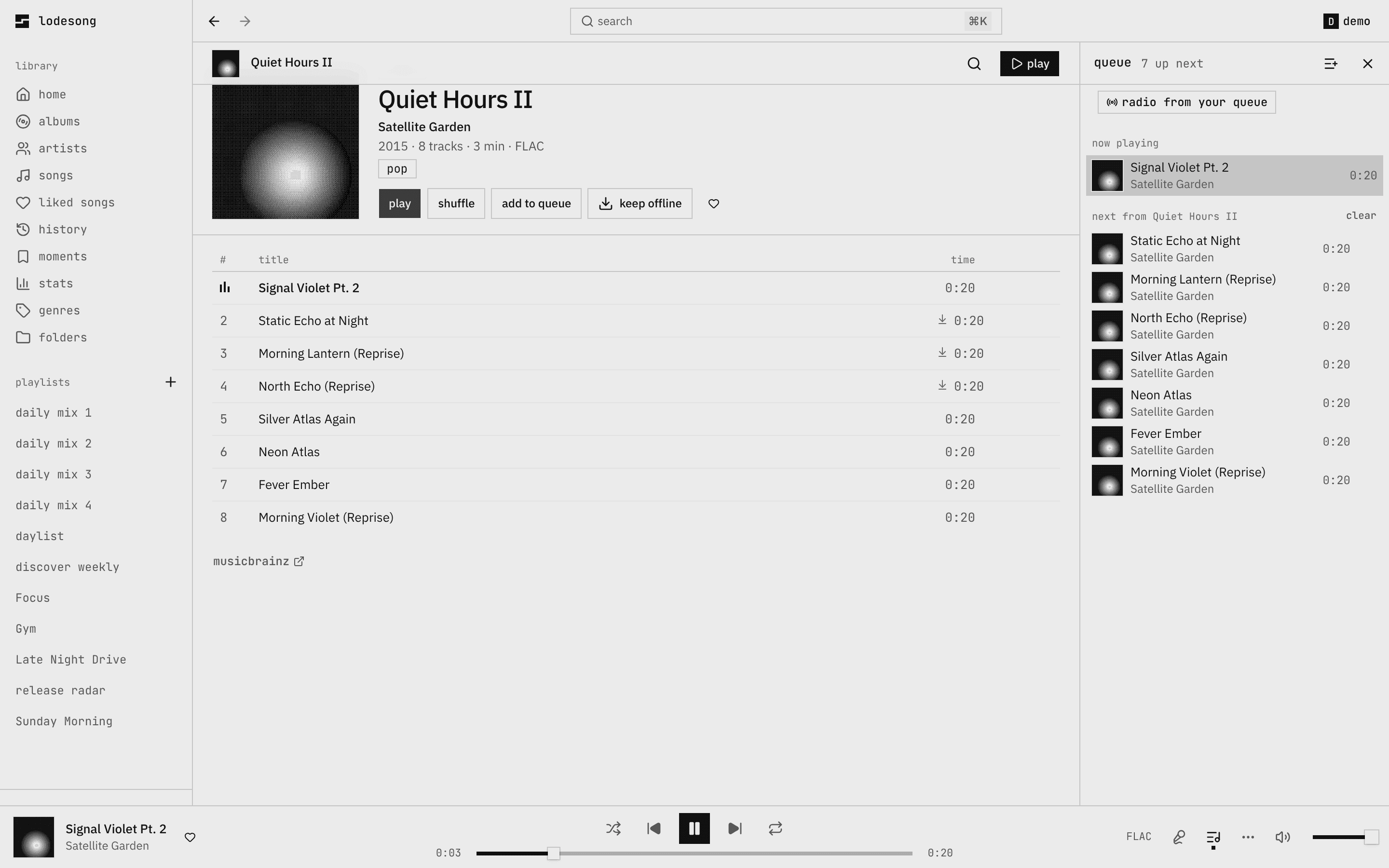
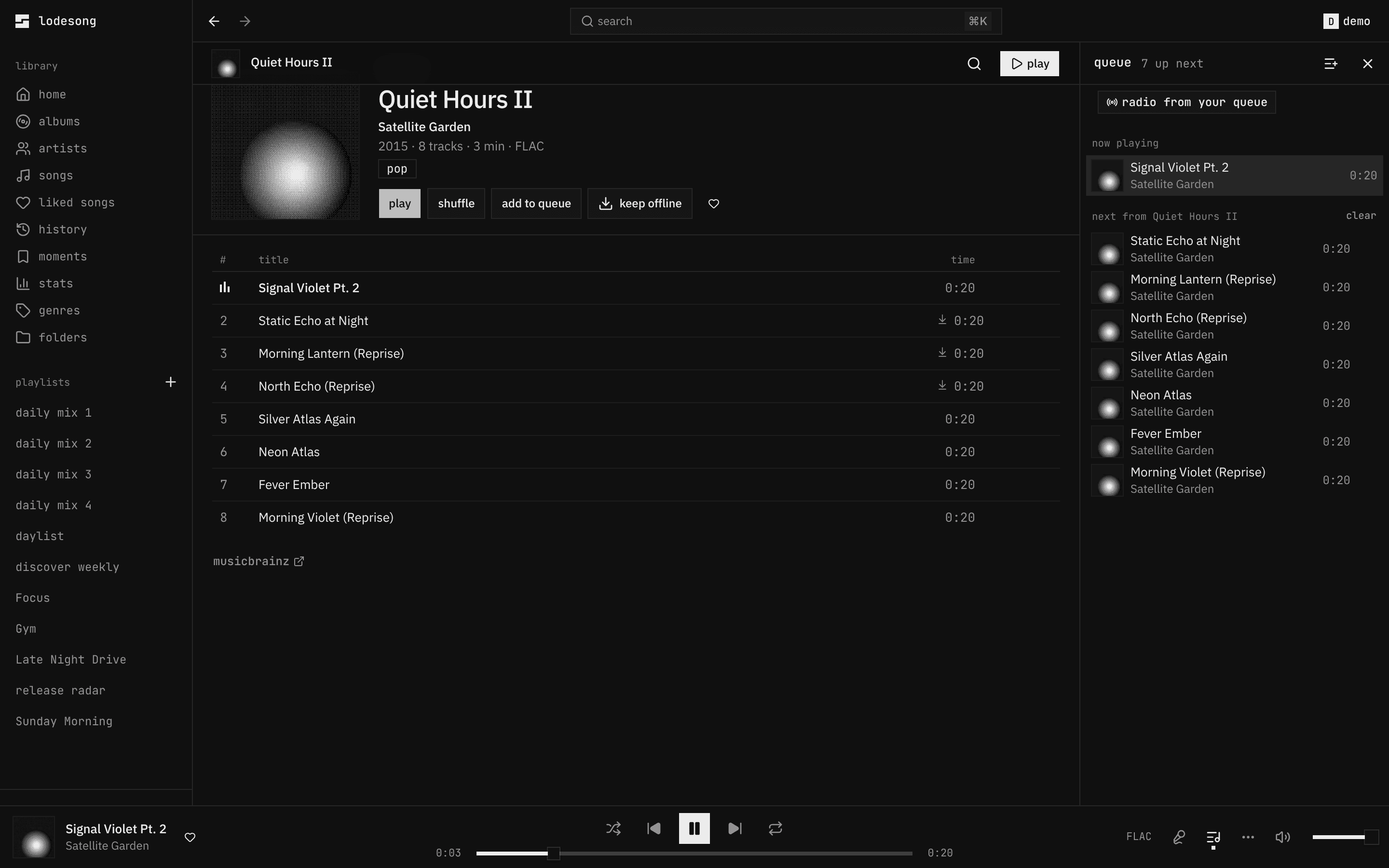
the parts that make spotify feel finished, rebuilt on top of navidrome and your files. these are live: watch them.
made for you
daily mixes, discover weekly, a daylist that changes through the day, release radar. made from what you play, saved as navidrome playlists so your phone has them too. it also follows the artists you play and shows their new releases, and lyterion can fetch them.
synced lyrics
from your .lrc files and lrclib. the line being sung stands out; click one to jump there.
⌘K for everything
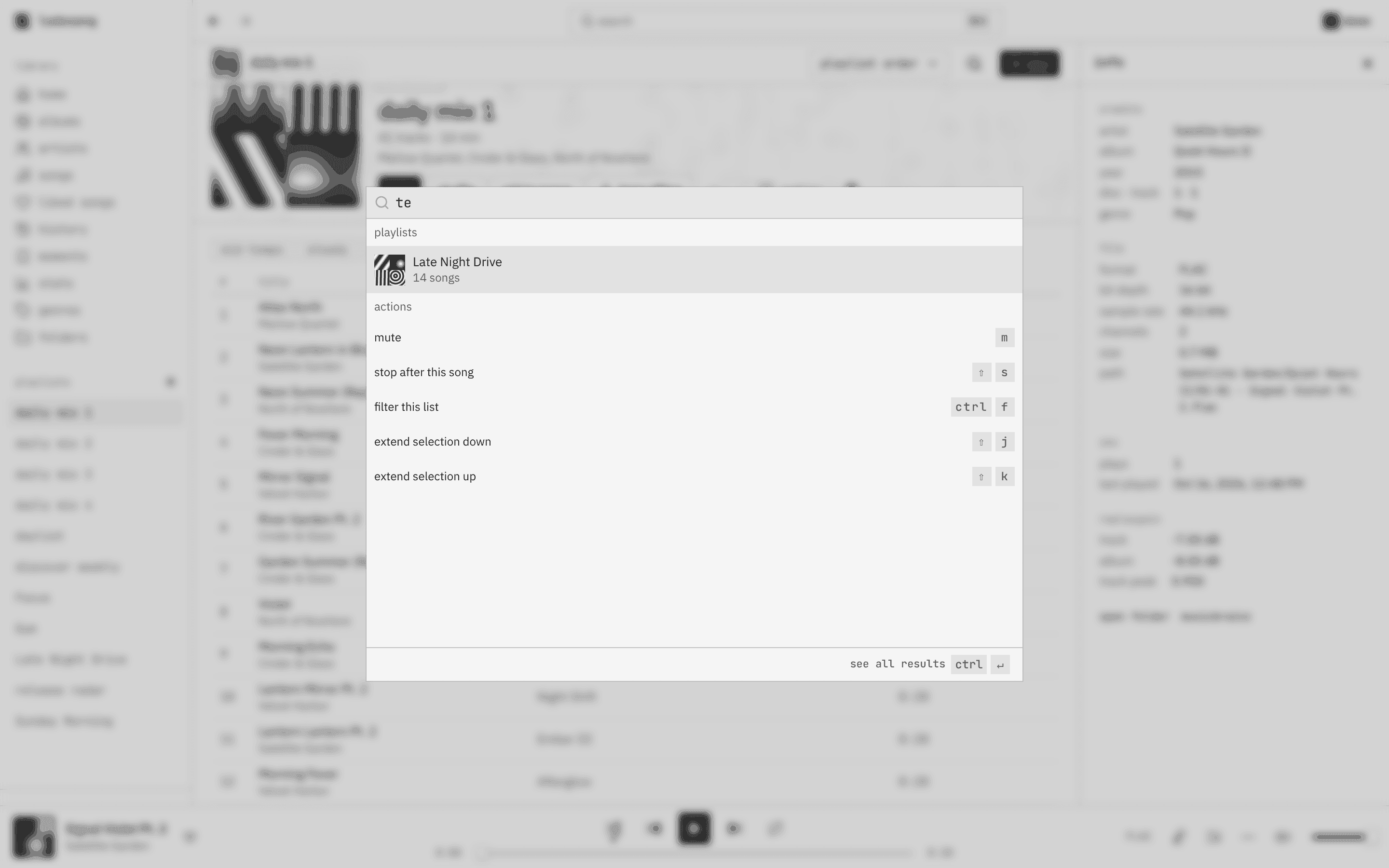
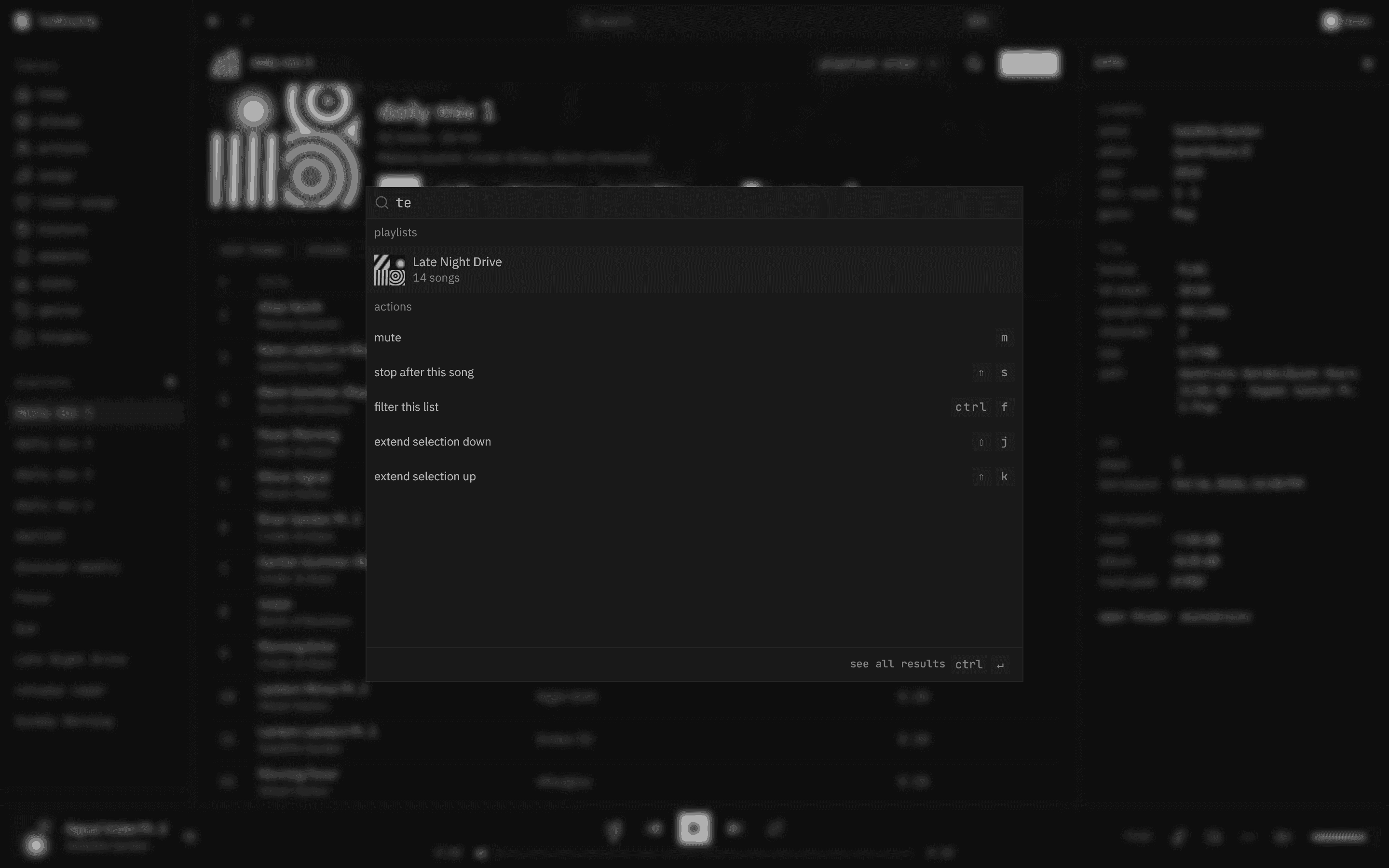
ranked search that forgives typos and puts your likes first, with filters (tempo, energy and mood once audiomuse has listened), and every action by name.
one session
every browser of yours is one player. press play anywhere and the rest become remotes.
gapless, replaygain
two decks for albums that run into each other, album gain when you play one in order, crossfade if you like it.
the mac app
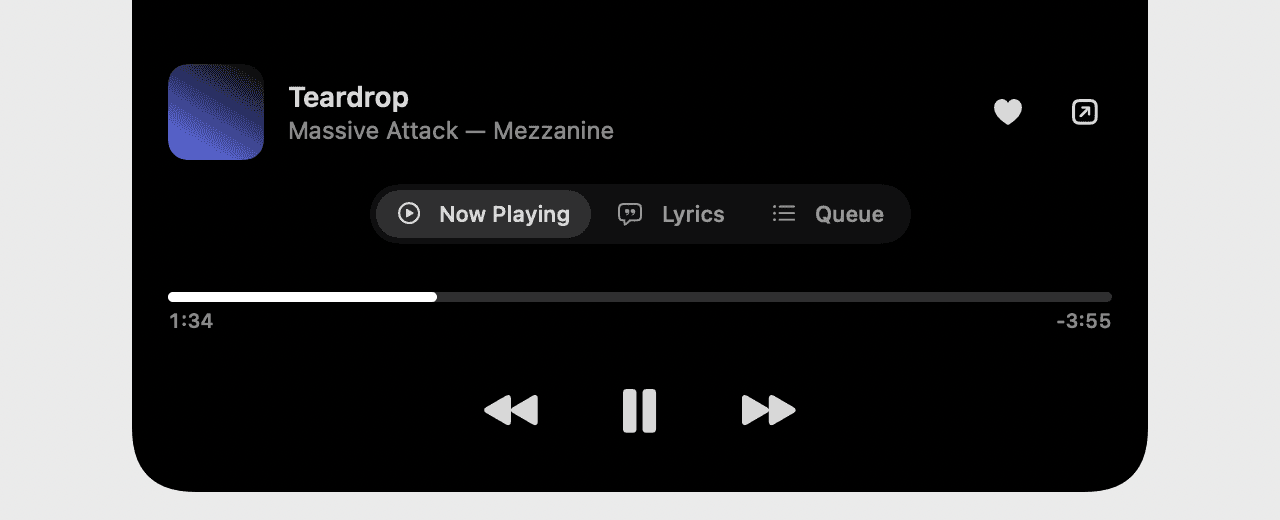
the song lives in the notch, with bars that move with the beat. hover for the controls, click for lyrics and the queue. updates itself and tells you what changed since the version you last opened. on a managed mac, a pkg installs it through fleet.
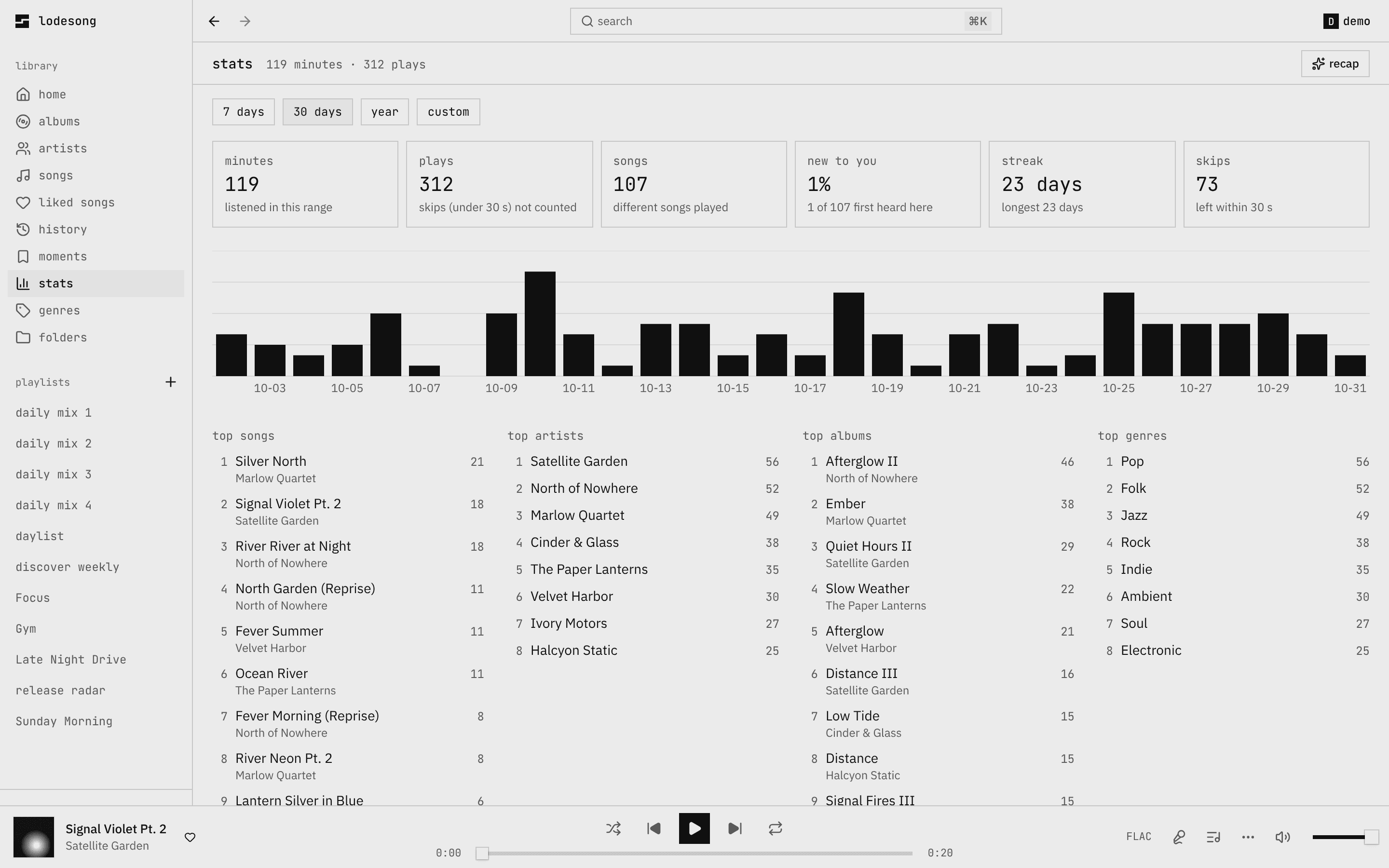
your year, as a reel
minutes, your top artist, the album on repeat, your longest streak. a card to share at the end.
in your terminal
what's playing above the prompt of claude code or opencode, with the lyric line and play/pause.
♪ Teardrop · Massive Attack 1:34 / 5:30 · ⏮ ⏸ ⏭
follow your artists
the artists you play most are followed for you; follow, pin or unfollow the rest. their new albums, eps and singles land on a following page, grouped by week, and you mark them seen. with lyterion, your spotify follows come over too.
radio from any song
start a station from a song or an artist and it opens as a page of its own. 👎 drops a song and, after two, keeps its artist away.
the best of both
the polish of a streaming app, the ownership of a server. here's where each one stands.
| lodesong | spotify | navidrome's web ui | |
|---|---|---|---|
| plays the files you own | |||
| no subscription, no ads | |||
| no tracking | |||
| daily mixes, discover weekly, a daylist | |||
| one session across your devices | |||
| a year in review | |||
| the song in your mac's notch |
yours, all the way down
lodesong runs next to navidrome on your own machine. here is what that means.
your files stay put
navidrome serves them from your disk, mounted read-only. lodesong never copies, moves or uploads your library.
your navidrome account
no new sign-up, no email. you sign in with the account you already have, and the browser never keeps your password.
no tracking
no analytics, no accounts with us. lyrics are looked up on lrclib (empty LRCLIB_URL turns it off), and the release check is off unless you turn it on.
one container
docker compose up next to navidrome. the self-hosting guide is written so a coding agent can follow it top to bottom.
an api for the rest
every procedure the player uses, documented at /api with a playground. make a token in settings and build your own.
open source
the player, the server and every app, mit licensed. read it, fork it, run it the way you like.
iphone
its own icon and music that keeps playing with the screen locked. a free apple id and altstore or sideloadly install it, and an altstore source keeps it updated.
how to installandroid
an apk from the releases, with lock screen and notification controls and playback with the screen off. android 8 or newer.
how to installlinux and windows
a small window on your lodesong: a deb or an appimage for linux, an msi or an exe for windows, about 5 mb each.
how to installor just the browser: open lodesong and add it to the home screen, or install it from chrome or edge, and it runs like an app. any subsonic app (arpeggi, symfonium, substreamer) works against the same navidrome too, and your queue hands off both ways.
bring your library.
one container next to navidrome, a few minutes with the guide.